The Ultimate Comparison for Buyers, Students, Gamers & Creators
📌 Introduction
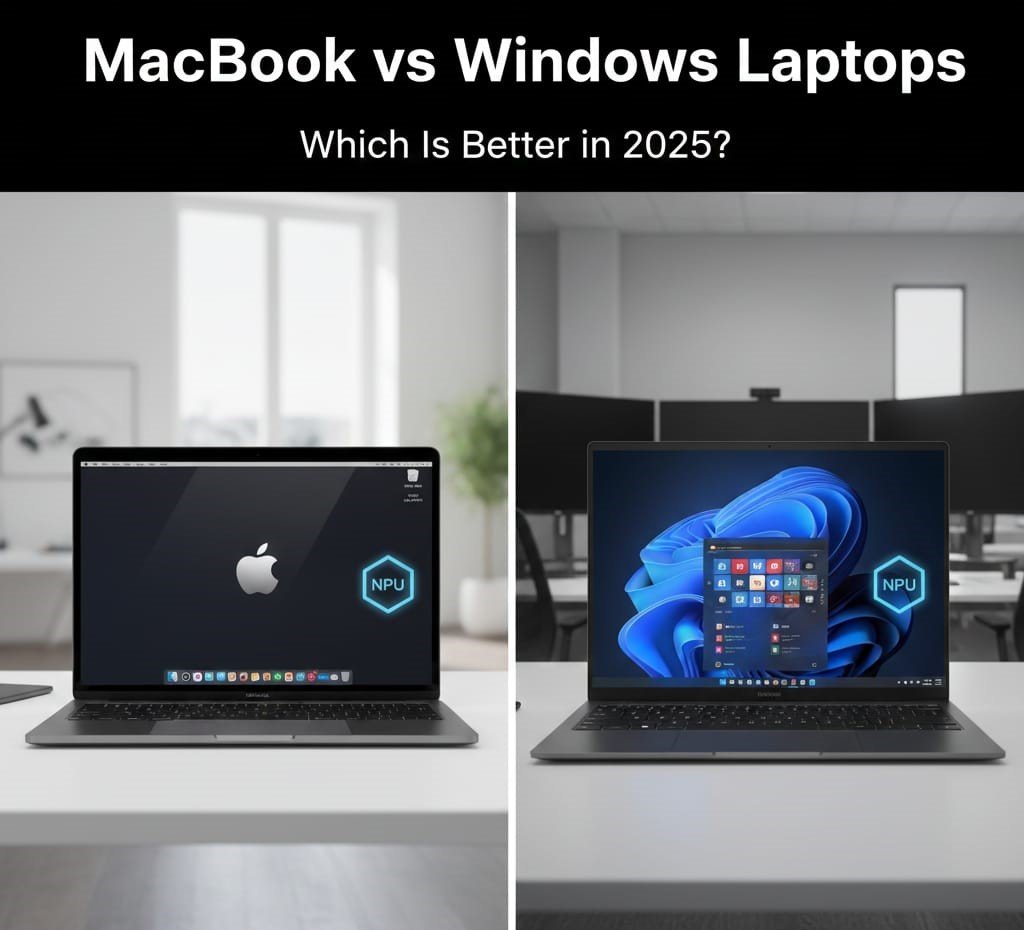
Choosing between a MacBook and a Windows laptop in 2025 isn’t as simple as it once was. Both platforms have improved significantly — with Apple’s M-series chips offering excellent performance and battery life, and Windows laptops expanding in variety, flexibility, and price points.
This guide breaks down the key differences, pros & cons, real use-case scenarios, and final recommendations to help you decide which ecosystem suits your needs best.
🧠 Overview: Apple macOS vs Windows 11
| Feature | 📱 MacBook (macOS) | 🪟 Windows Laptop (Windows 11) |
|---|---|---|
| Ecosystem | Strong Apple integration | Works with broad hardware ecosystem |
| Battery Efficiency | Excellent (Apple silicon) | Varies by device, improving fast |
| Gaming Support | Limited | Excellent (DirectX, NVIDIA/AMD) |
| Software Compatibility | Best with Apple apps | Broadest software library |
| Upgradability | ✖ No ﹣ soldered parts | ✔ Some models allow upgrades |
| Port Variety | Limited (USB-C/Thunderbolt) | More ports typically |
🍎 MacBook Strengths
✅ 1. Performance & Optimization
✔ Apple’s M-series chips (M2/M3/M4/M5) offer excellent speed with low power consumption, delivering strong real-world performance for productivity and creative tasks.
🔋 2. Battery Life
✔ MacBooks are consistently top performers in battery life — often 15–20+ hours for everyday use.
🎨 3. Build Quality & Design
✔ Premium aluminium unibody design
✔ Excellent trackpads and keyboards
✔ Minimalist, professional look
📱 4. Ecosystem Integration
✔ Seamless syncing with iPhone, iPad, Apple Watch (AirDrop, iMessage, Handoff)
✔ Helpful for users already invested in Apple devices.
🔐 5. Security & Privacy
✔ macOS is Unix-based and generally less prone to malware.
✔ Stronger built-in privacy protections.
📈 6. Resale Value
✔ MacBooks tend to hold value better over time — useful if you plan to sell later.
❌ MacBook Weaknesses
💸 1. Higher Price
❌ MacBooks are premium devices — even base models often cost more than equivalent Windows laptops.
⚙️ 2. Limited Upgradability
❌ RAM and storage are mostly non-upgradeable after purchase.
🎮 3. Gaming Support Is Limited
❌ macOS has fewer games and lower gaming performance compared to Windows PCs with NVIDIA/AMD GPUs.
🔌 4. Ports Can Be Sparse
❌ Especially on Air models — dongles are often necessary.
📦 5. Software Compatibility Gaps
❌ Some Windows-only professional software doesn’t run natively on macOS.
🪟 Windows Laptop Strengths
💰 1. Wide Range & Price Points
✔ You’ll find options from ultra-budget to flagship performance machines.
🔧 2. Hardware Variety & Customization
✔ Many models allow you to upgrade RAM or storage later.
🎮 3. Best Gaming Support
✔ Windows is the default choice for gaming, with broad support for DirectX, Steam, and high-end GPUs.
🪄 4. More Form Factors
✔ 2-in-1 touchscreens, convertibles, gaming rigs, business ultra-books — huge variety.
🔌 5. Better Port Selection
✔ USB-A, HDMI, SD card slots, Ethernet — more connectivity without dongles.
❌ Windows Laptop Weaknesses
🧩 1. Inconsistent Experience
❌ Quality varies widely between brands and models — some budget units feel cheap.
🦠 2. Security & Bloatware
❌ More malware risk (due to popularity) and often includes pre-installed trial software.
🔄 3. Update & Driver Issues
❌ Windows updates can occasionally cause compatibility problems.
🔋 4. Battery Life Varies
❌ While some models are efficient, others — especially gaming machines — drain quickly.
🔍 Display & Multimedia
📺 MacBook Displays
✔ Retina screens with excellent color accuracy and brightness — ideal for creators and media editors.
🖥️ Windows Displays
✔ Greater variety — including OLED, 4K, and high-refresh gaming screens.
🧠 Performance & Real-World Use
👩💻 Productivity & Work
- MacBooks: Fast and smooth with macOS tools like Final Cut Pro, Logic Pro, etc.
- Windows: Better for business apps like Microsoft Access, older enterprise tools, and industry-specific software.
🎮 Gaming
- macOS ≠ limited library
- Windows = best choice for serious gaming.
✍️ Developers & Creators
- MacBooks excel in app development for Apple platforms;
- Windows laptops are more flexible for cross-platform development.
📊 Price & Value: Key Differences
💸 MacBooks
✔ Premium hardware & software synergy
✔ Long battery life
❌ Higher initial cost
💵 Windows
✔ Wider price range — budget to premium
✔ More choices at similar prices
❌ Quality varies between models
📌 Final Verdict — Which Should You Choose?
📍 Choose a MacBook if you:
✔ Value battery life and performance efficiency
✔ Use Apple devices and value ecosystem continuity
✔ Want great creative tools and premium design
✔ Prefer a stable, polished OS experience
📍 Choose a Windows laptop if you:
✔ Want more choices across price ranges
✔ Need gaming performance or 4K GPU power
✔ Want hardware upgradability
✔ Use niche business or Windows-only software
💡 Summary Table — Quick Comparison
| Category | Best Fit |
|---|---|
| 💻 Everyday Productivity | MacBook |
| 🎮 Gaming | Windows |
| 🎨 Creative Work | MacBook / Windows (depending on software) |
| 💼 Business & Enterprise | Windows |
| 💰 Budget | Windows |
| 🔋 Long Battery Life | MacBook |
❓ FAQs
❓ Are MacBooks good for students?
✔ Yes — especially for productivity, battery life, and creativity.
❓ Can Windows laptops match Mac performance?
✔ Some high-end Windows laptops rival or outperform Apple silicon in multitasking and graphics.
❓ Which has better long-term value?
✔ MacBooks often hold longer resale value, but Windows offers broader choices for upgrades.
📌 Conclusion
There’s no one-size-fits-all answer — it depends on how you’ll use the laptop, your priorities, and your budget. Both MacBooks and Windows laptops have matured tremendously by 2025, and you’re unlikely to go wrong with either if you choose based on your actual needs.
About the Author