📌 Introduction
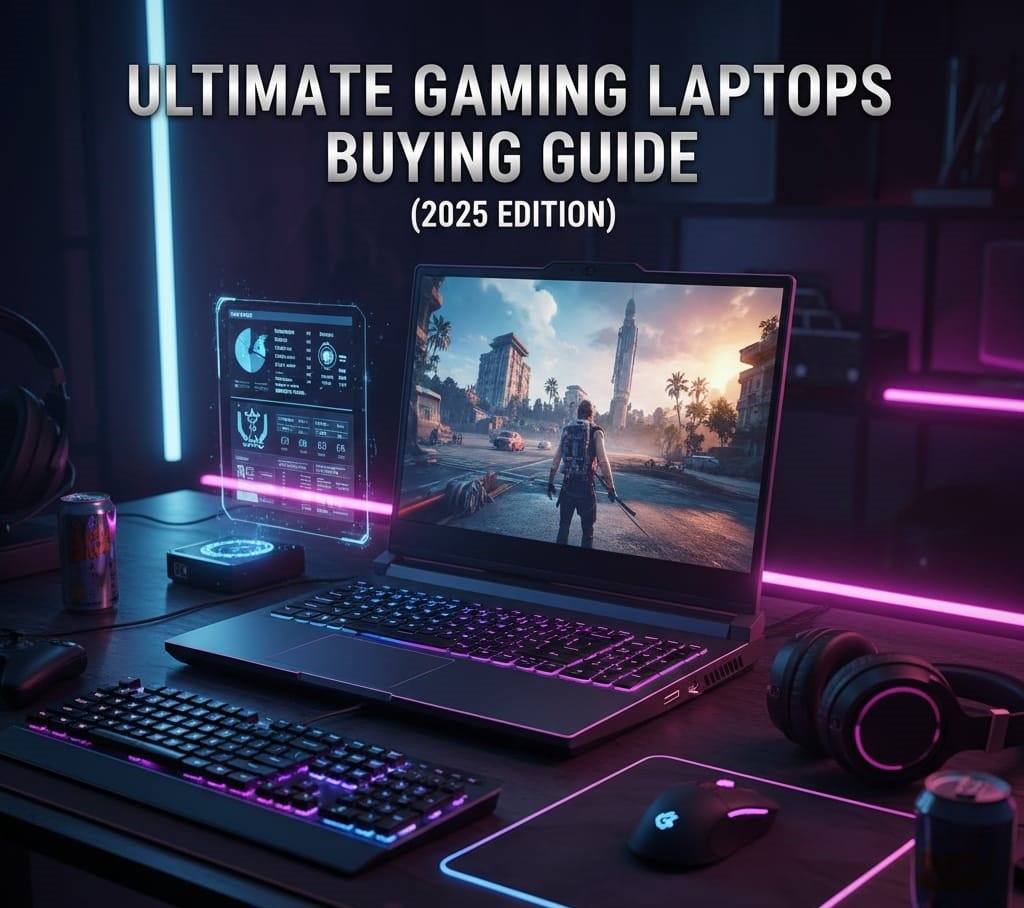
Gaming laptops have evolved faster than ever — bringing desktop-level performance into portable machines. Whether you’re a competitive eSports player, AAA gamer, or content creator who also games, choosing the right laptop can make or break your experience.
This guide breaks down everything you need to know before buying a gaming laptop in 2025 — from hardware specs and performance benchmarks to display tech, thermals, aesthetics, and value-for-money tips.
🎯 Who This Guide Is For
This guide is perfect for:
✔️ Competitive gamers (CS2, Valorant, Fortnite)
✔️ AAA title players (Cyberpunk, Assassin’s Creed)
✔️ Streamers & content creators
✔️ Students who game + work
✔️ Anyone confused by specs, brands, and technical jargon
🧠 Section 1 — How Gaming Laptops Work
Gaming laptops pack powerful CPUs, GPUs, and cooling systems into a compact chassis.
💡 Key Components:
- CPU (Processor): Brains of the machine — handles game logic, physics, AI
- GPU (Graphics): Drives visuals, frame rates, and resolution
- RAM: Multitasking & game loading
- Storage: Speed & capacity for games
- Display: Resolution and refresh rate define clarity + smoothness
- Thermals: Heat dissipation for stable performance
💻 Section 2 — Essential Components Explained
🧱 1. CPU — Central Processing Unit
⚡ What It Does:
Handles game calculations, AI threads, physics, and background processes.
🔥 Recommended CPUs (2025):
- Intel Core i7 / i9 (13th–15th Gen)
- AMD Ryzen 7 / Ryzen 9 (7000 Series)
✔️ More cores = smoother performance
✔️ High clock speed = better gaming responsiveness
📊 CPU Tips:
- Don’t pair a weak CPU with a strong GPU — CPU bottlenecking kills performance.
- For gaming, prioritize higher single-core performance.
🎨 2. GPU — Graphics Processing Unit
The GPU determines how well your laptop handles graphics, resolution, and FPS.
🔥 Top GPUs for Gaming:
✔️ NVIDIA RTX Series (40/50-Series)
✔️ AMD Radeon RX Series
📌 What to Know:
- The higher the model number, the better the performance
- VRAM matters: 8GB+ recommended for 1080p, 12GB+ for high settings/1440p
🧠 3. RAM — Memory
RAM affects multitasking and smooth gameplay.
- 16GB RAM = Recommended Minimum
- 32GB RAM = Ideal for future games + multitasking
- 8GB RAM = Only for very light gaming
💡 Tip: Faster RAM speeds (e.g., 3200MHz+) can improve performance in certain games.
💾 4. Storage — SSD Vs HDD
✔️ SSD (Solid-State Drive) — Fast load times, quick startup
❌ HDD (Hard Drive) — Slow, bulky, outdated for gaming
Best Options:
- 🏆 1TB NVMe SSD — Fast and space-rich
- 💽 512GB SSD — Good start, but may fill fast with large games
🖥️ 5. Display — What Gamers Need
Gaming laptops are not just about power — displays matter!
🕹️ Display Specs That Matter:
| Feature | Why It Matters |
|---|---|
| 🖥️ Resolution | Clarity & detail (1080p, 1440p, 4K) |
| 🔄 Refresh Rate | Smooth motion (120Hz, 165Hz, 240Hz+) |
| 🌈 Panel Type | IPS = best viewing angles |
| 🔆 Response Time | Low ms = fast visuals |
✔️ Recommended Display Standards:
- 1080p at 144Hz+ — Best value
- 1440p at 165Hz+ — Competitive + immersive
- 4K at 120Hz+ — Premium experience
🧊 6. Cooling & Thermals
Gaming generates heat. Laptops with poor cooling will:
🔥 Throttle performance
📉 Drop FPS
🔇 Produce loud fan noise
🛠️ What to Look For:
- Dual or triple fans
- Vapor chamber cooling
- Large heat sinks
- Good air intake/exhaust design
💡 Pro Tip: Choose laptops with efficient thermals over small, flashy machines.
🔊 7. Keyboard & Build Quality
Gamers need:
- RGB or backlit keys
- Comfortable key travel
- Anti-ghosting + programmable macros
Sturdy build quality = longevity.
📱 8. Ports & Connectivity
Modern gaming laptops should include:
✔️ USB-C / Thunderbolt
✔️ USB-A (x3+)
✔️ HDMI / DisplayPort
✔️ Ethernet port
✔️ Wi-Fi 6E / Wi-Fi 7 support (future-ready)
🔋 9. Battery Life — What to Expect
Gaming laptops are power hungry. Expect:
⚡ 2–4 hours under load
✔️ Longer life for light tasks
Tip: Don’t prioritize battery — power & cooling are far more important.
📊 Section 3 — Gaming Laptop Tiers (By Performance)
🥇 Tier 1 — Enthusiast
⚡ Best for: AAA games at max settings
🎮 Ideal For: Streamers, content creators
Typical Specs:
🔥 RTX 4080 / RTX 4090 / High-end AMD GPUs
🧠 Core i9 / Ryzen 9
💾 32GB RAM + 1TB SSD
🖥️ 165Hz+ QHD / 4K display
Pros:
- Max performance
- Future proof
- Excellent for 3D rendering
Cons:
❌ Pricey
❌ Heavy chassis
🥈 Tier 2 — Mid-Range
⚡ Best for: 1080p high FPS
🎮 Ideal For: Most gamers
Example Specs:
✔️ RTX 4060 / 4070
✔️ Core i7 / Ryzen 7
✔️ 16GB RAM + 1TB SSD
✔️ 144Hz / 165Hz display
Pros:
✔️ Great value
✔️ Solid cooling
✔️ High FPS
Cons:
❌ Not fully maxed settings in AAA
🥉 Tier 3 — Budget Gaming
⚡ Best for: Casual or esports gaming
🎮 Great for: Fortnite, CS2, Rocket League
Example Specs:
✔️ RTX 3050 / GTX 1660 Ti
✔️ Core i5 / Ryzen 5
✔️ 16GB RAM + 512GB SSD
✔️ 120Hz display
Pros:
✔️ Affordable
✔️ Good esports performance
Cons:
❌ Lower AAA performance
🏆 Section 4 — Best Gaming Laptop Features Worth Paying For
🧠 1. High Refresh Rate Displays (144Hz+)
🎯 Better smoothness = competitive edge in shooters
🖥️ 2. QHD Resolution
🆙 Balanced detail & FPS — perfect for 4060–4070 tier
✨ 3. RGB & Programmable Keyboard
💡 Custom layouts + lighting = aesthetic + functional
❄️ 4. Advanced Cooling Systems
🚀 Keeps performance stable under long gaming sessions
🎧 5. Good Speakers + Audio Software
Although external headsets are popular, built-in audio still matters.
🛒 Section 5 — How Much Should You Spend?
💰 Budget Tier: $800–$1,200
👉 Good for esports & casual gaming
💰 Mid Range: $1,200–$2,000
👉 Best value for 1080p and QHD gaming
💰 High End: $2,000+
👉 Enthusiast titles, high refresh, future proofing
❌ Common Mistakes Buyers Make
🚫 Choosing laptops with HDD instead of SSD
🚫 Ignoring the cooling system
🚫 Prioritizing RGB over performance
🚫 Believing marketing scores over real specs
🚫 Only looking at upgrades — undervaluing out-of-the-box power
🔍 Frequently Asked Questions (FAQ)
❓ Is a gaming laptop worth it?
✔️ Yes, if you need performance + portability
✔️ Great for students, commuters, and pro gamers
❓ Laptop or desktop for gaming?
💻 Laptop: Portable, built-in screen
🖥️ Desktop: More power per dollar + easier upgrades
❓ How long will a gaming laptop last?
⌛ 3–5 years for high settings
⌛ 5–7 years for esports games
❓ Does RAM speed matter for gaming?
✔️ Yes — faster RAM slightly improves performance
✔️ But GPU & CPU matter more
❓ Can I upgrade parts later?
✔️ SSD upgrade — usually yes
❌ GPU upgrade — no
✔️ RAM upgrade — sometimes
🧠 Section 6 — How to Benchmark Gaming Laptops
Benchmarking helps you compare performance across titles.
Look for:
✔️ FPS at 1080p
✔️ Temps under load
✔️ Thermal throttling
✔️ GPU clock consistency
Good benchmarks to check:
🎮 Shadow of the Tomb Raider
🎮 Cyberpunk 2077
🎮 CS2 / Valorant
🎮 Fortnite
🏁 Final Checklist Before You Buy
✔️ CPU: i7 or Ryzen 7+
✔️ GPU: RTX 4060 / 4070 or higher
✔️ RAM: 16GB (upgrade to 32GB if possible)
✔️ Storage: 1TB SSD
✔️ Display: 144Hz+
✔️ Cooling: Dual advanced fans
✔️ Keyboard: Anti-ghosting + RGB
🚀 Final Verdict
The perfect gaming laptop balances raw performance, portability, thermals, and price. Don’t chase specs blindly — focus on balanced builds that match your gaming style.
Whether you’re chasing max FPS, immersive AAA worlds, or streaming your gameplay — 2025 has robust options designed for every type of gamer.
About the Author